Business unit
AI-Driven Manufacturing
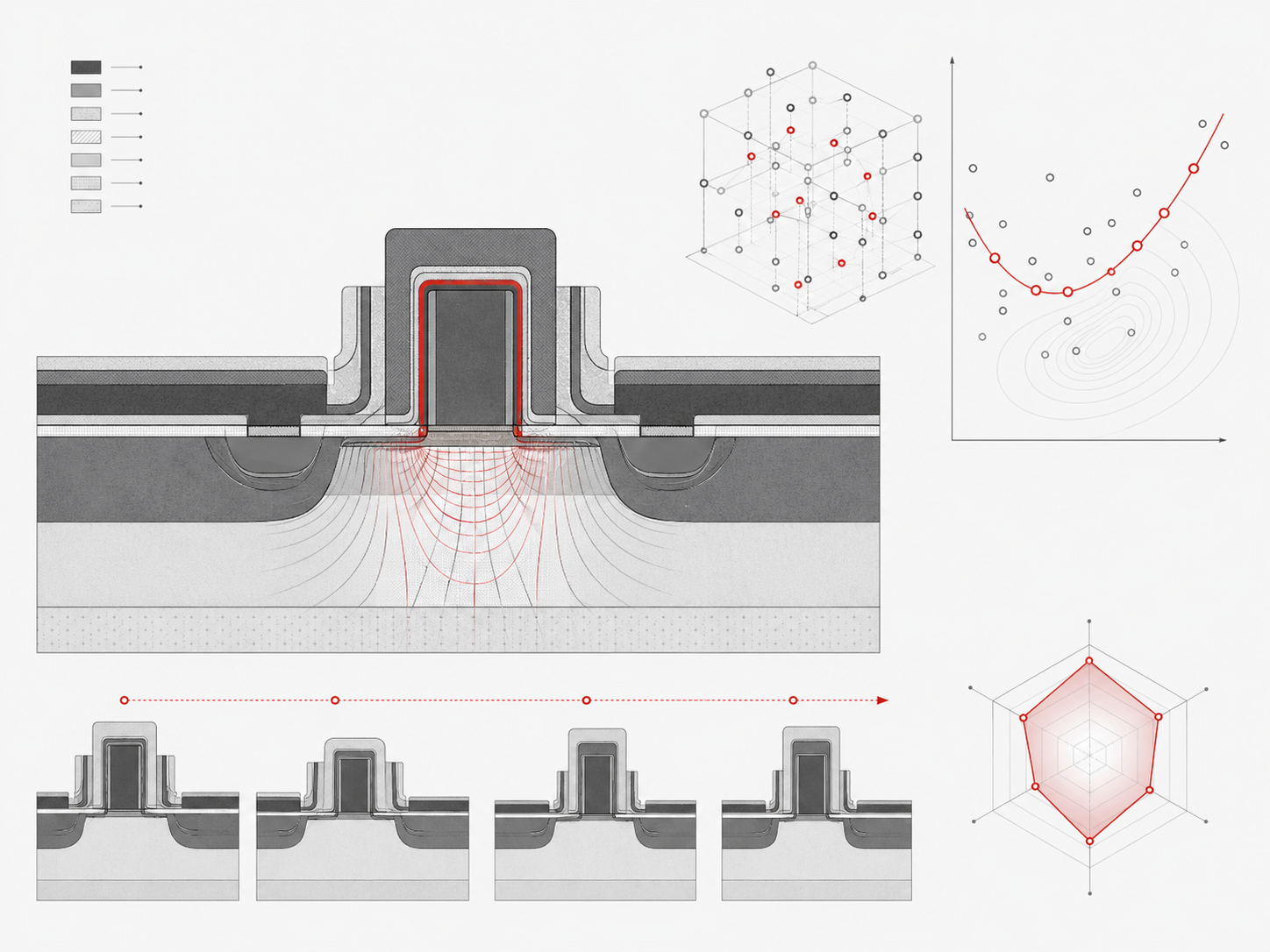
Develop the process and optimize the device in simulation, then take the result to the fab.
Products & Workflows
Process and device physics, from simulation to the fab floor
EDA tools, licensed IP, verification and enablement
Why Silvaco
Solutions
Resources
TCAD
Analog and Custom Design
Parasitic Extraction
SPICE Simulation
Variation and Yield
The Simulation Standard
Technical journalFoundry support
Process Design KitsSupport and Downloads
Partners
TCAD
Lithography
Plasma
Circuit Simulation
Analog and Custom IC
Design IP
Develop the process and optimize the device in simulation, then take the result to the fab.
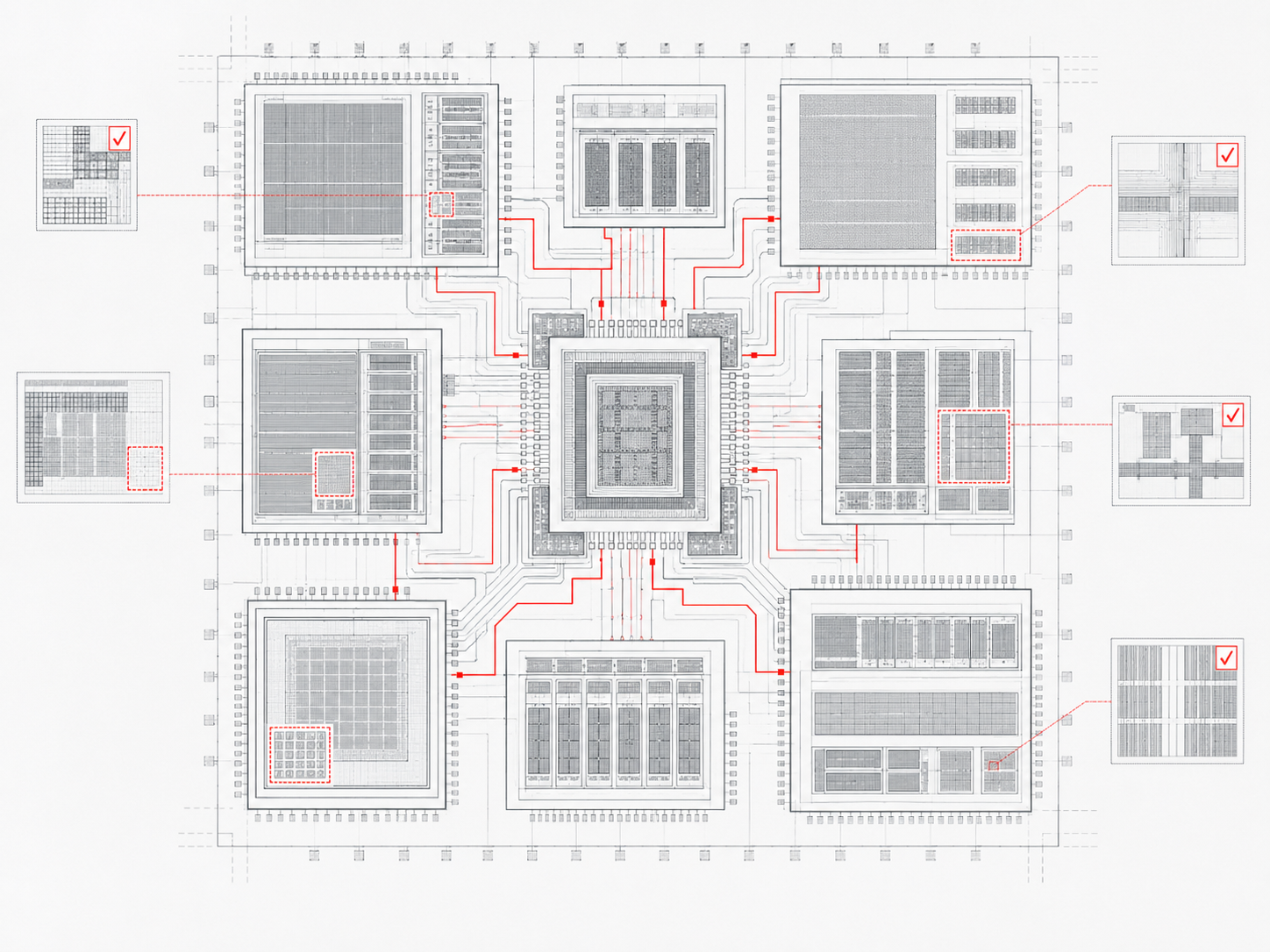
Faster chip design, the verification that backs it, and interface IP you can license instead of build.
A tool that doesn’t support your fab is no use to you, however good it is elsewhere. Silvaco tools carry PDK support across foundries including ams AG, Tower Semiconductor and X-FAB. Looking for MIPI PHY node coverage? That sits on the Design IP pages, in its own format.







Four answers people usually have to email for.
Which license models Silvaco offers, and which one fits how your team works. Time-Based Licensing runs on floating licenses, leased for one, two or three years.
See licensing optionsSupported operating systems, hardware requirements, and the installation guide, in one place. Silvaco runs on Red Hat Enterprise Linux, CentOS, Rocky Linux and Windows Professional, all 64-bit.
Read the installation guideManuals, worked examples, and release notes for every tool family.
Browse documentationOpen a support case and track it through Support and Downloads.
Go to Support and DownloadsLicensing interface IP works differently. The Design IP pages carry that contact path.
Most evaluations stall on a question no datasheet answers: does this run on my node, in my flow, on my schedule? Ask our engineers before you spend an evaluation cycle finding out. Three weeks into a trial is the expensive place to learn it.
EDA software, or electronic design automation software, is the set of tools engineers use to design, simulate, verify, and prepare an integrated circuit for manufacture. It spans schematic capture, circuit simulation, layout, parasitic extraction, and physical verification. Silvaco builds tools across that range, plus the TCAD simulation that sits upstream of it.
Silvaco’s tools split into two business units: AI-Driven Manufacturing for process and device work, and AI-Driven Design for circuit design, verification, and licensed interface IP. Each hub page lists the families under it and links through to the individual products.
Silvaco publishes a PDK table listing supported foundries and process nodes, including ams AG, Tower Semiconductor and X-FAB. If your fab isn’t on it, ask. MIPI PHY node coverage sits separately, on the Design IP pages.
No. TCAD simulates the process and the device physics: what happens in the fab and inside the transistor. The EDA tools work a level above that, on circuits and layout. Both sit under Products & Workflows, so you can see the full range from one page.
Yes. Silvaco’s Design IP covers MIPI and interface protocol families including D-PHY, C-PHY, CSI-2, and DSI, silicon-proven on 13 nodes at 9 foundries. The Mixel team has been building MIPI PHYs since 1998, and mixel.com stays the detailed reference for that portfolio.
Commercial licenses are Time-Based (floating, on one-, two- or three-year leases) or Victory Omni (one annual license for TCAD software except Interactive Tools). Academic and research users have a separate track: more than 200 universities run Silvaco tools under it. Interface IP is licensed through the Design IP team rather than as a standard software license.
Both are retired. Each has a succession page naming the Victory tool that replaced it, and the old URLs redirect there, so old bookmarks still land somewhere useful.